
Complete List of Our MoonFoods Customer App Features
Our Moonfoods is designed to make every step of the food ordering journey simple and enjoyable. Built with a user-friendly design and smooth flow, it ensures a stress free experience for your customers.
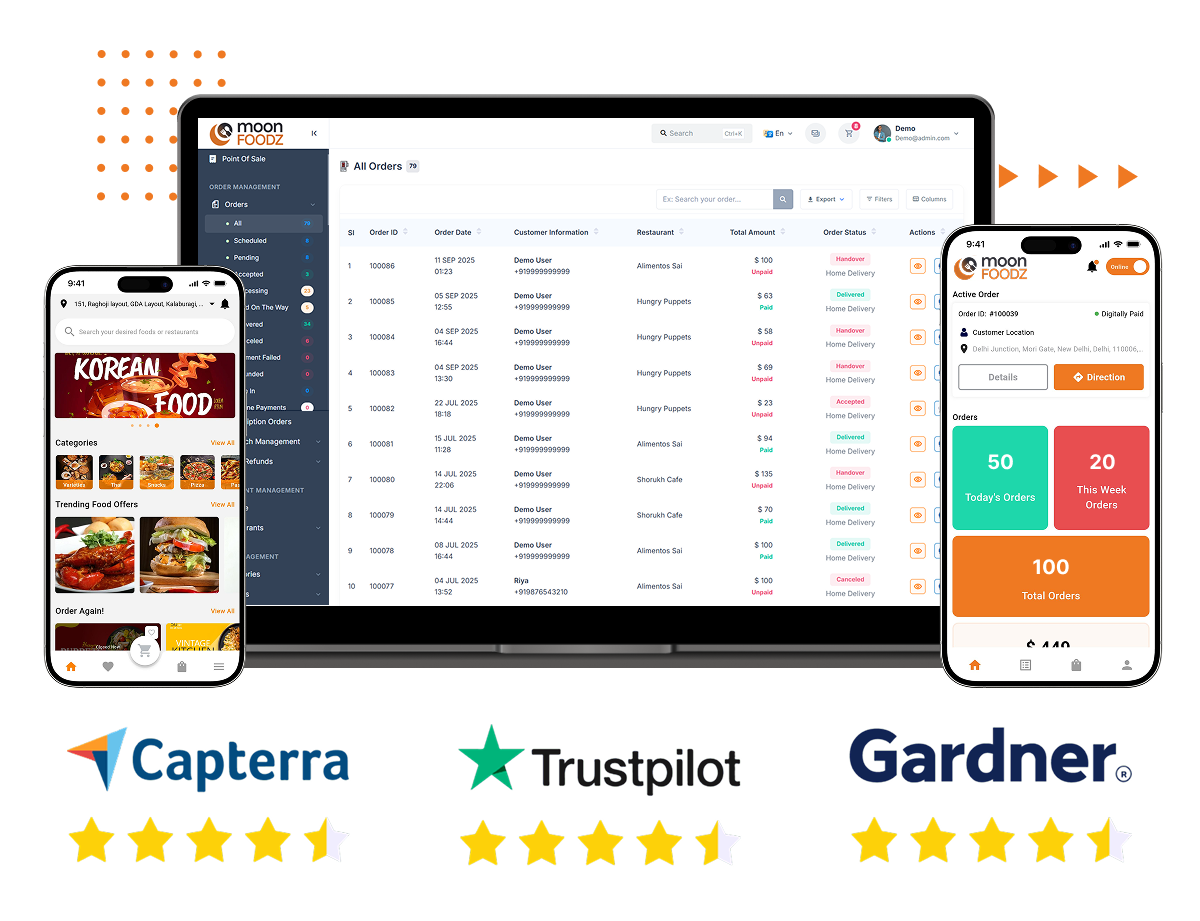

Easy Sign-Up & Login
Customers can quickly create an account and log in using their phone number, email, or social accounts, ensuring a fast start without complications.

Profile Management
Users can edit their profile details anytime such as name, contact number, or delivery address making sure their information is always up to date.

Password Security
For extra safety, customers can reset or change their passwords anytime using their registered email, phone number, or directly through the app’s settings.

Multiple Payment Options
The app supports different payment methods including cards, digital wallets, and even cash on delivery, giving customers complete flexibility at checkout.

Delivery Address Update
Before finalizing an order, users can change or update their delivery address directly from the app to avoid mistakes and ensure smooth delivery.

Instant or Scheduled Orders
Customers can either get food delivered right away or schedule it for a preferred date and time according to their convenience.

Real-Time Delivery Tracking
Once the order is placed, users can track their delivery partner from pickup to drop-off, ensuring full transparency at every stage.

Map-Based Tracking
The app offers a live map view, letting customers see exactly where their delivery partner is and when the order will arrive.

Direct Chat with Driver or Support
In case of delivery concerns or questions, customers can chat directly with the delivery person or support team without needing external calls.

Secure Delivery Confirmation
To ensure accurate delivery, users can generate a confirmation code that the delivery partner enters when handing over the order.

Option to Tip Drivers
Customers who wish to appreciate good service can add a tip for their delivery partner directly through the app.

Order History
Past orders, including item details, pricing, and payments, are stored in the app so customers can easily reorder or track past spending.

Save Favorite Addresses
Frequently used addresses can be saved under the customer’s account for faster checkout in future orders.

Multi-Language Support
Users can choose from available languages in the app, making the platform accessible without language barriers.

Ratings & Reviews
After receiving an order, customers can leave reviews for both the delivery partner and the food quality, helping improve overall service.

Referral Rewards
Each customer gets a referral code to share with friends. When new users join, both sides enjoy special benefits and rewards.