
White Label Vacation Rental App
 Flutter Powered
Our white label vacation rental app helps you launch your own booking platform with complete control. Guests can easily search, check availability, and book properties, while hosts manage listings and reservations in one place. As the platform owner, you handle approvals, commissions, and payments from a centralized admin panel. Built for scalability and flexibility, the solution runs under your brand with full source code ownership, giving you everything needed to start and grow your rental marketplace.
Guaranteed Live Within 1 Week *Terms & Conditions Apply
Here’s What You Get:
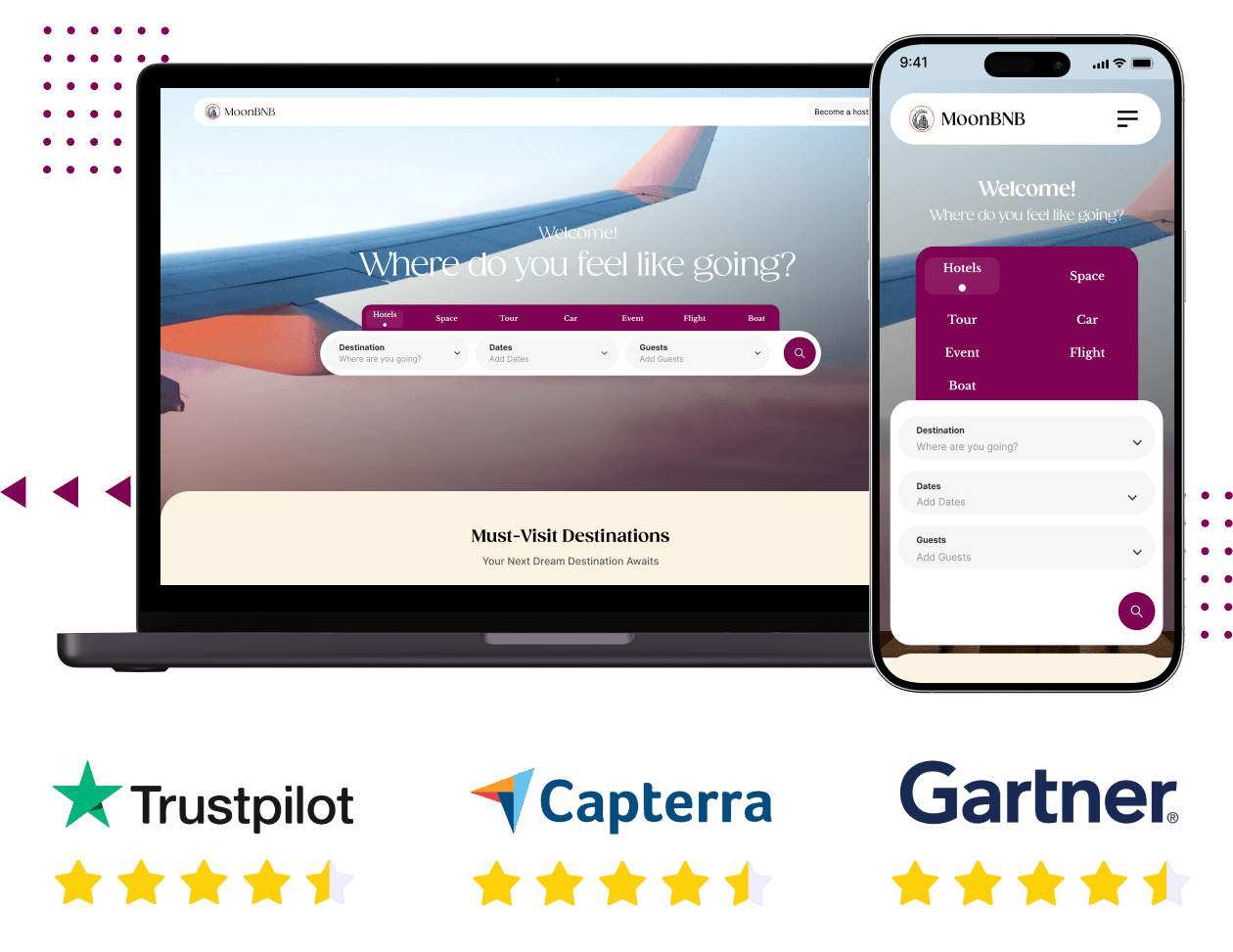





Own and Operate Your Rental Platform with Full Control
Building a rental marketplace from scratch requires months of development, high upfront investment, and delayed time to market. This white label vacation rental platform removes that complexity by giving you a fully built foundation you can launch and scale on.
The core marketplace architecture is already in place. From multi-vendor management and listing workflows to bookings, payments, and admin controls, everything is designed to work together seamlessly under your brand.
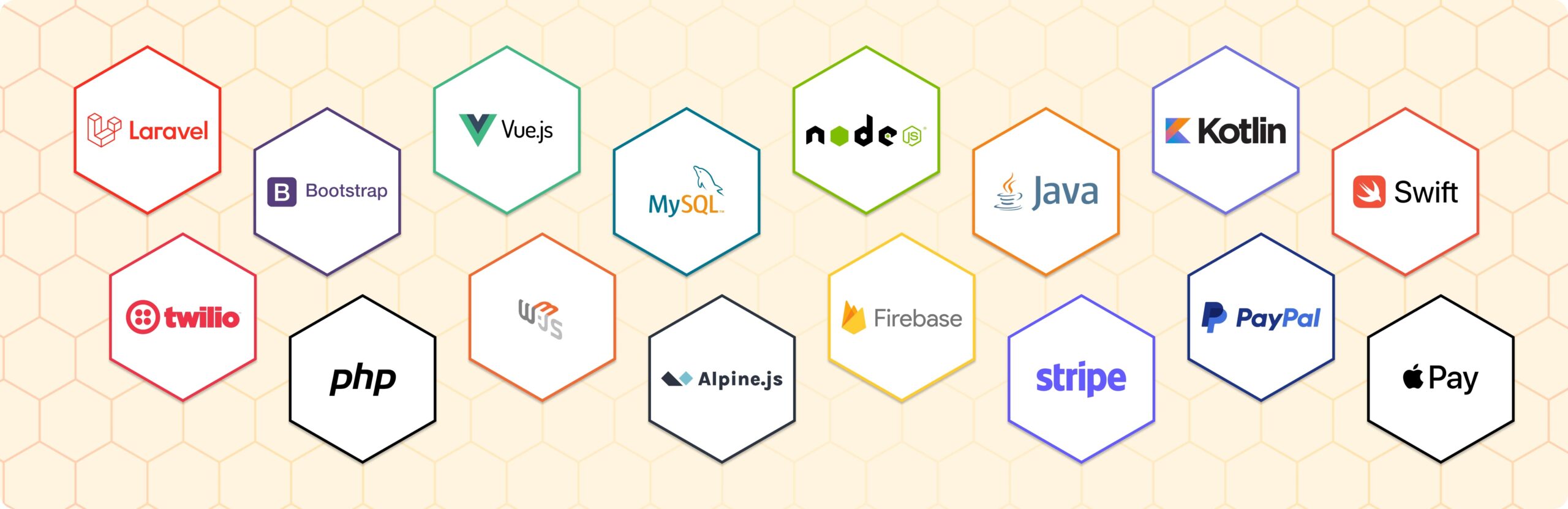
The platform is built using Laravel for the backend, Flutter for mobile apps, and MySQL for the database, ensuring reliable performance, scalability, and ease of future customization. You receive full source code ownership at handover, giving you complete control over how the platform evolves.
Full source code ownership with no recurring license fees
Web platform, Android app, and iOS app included
Multi-vendor marketplace system built from the ground up
Flexible deployment on AWS, DigitalOcean, Vultr, or private VPS environments

White Label Vacation Rental App
Screens of Our New-Edge Vacation Rental App


Features You Get With Our White Label Vacation Rental App
Every feature below is part of the base product, organized by user type: guests who book, hosts who list, and the admin who manages the platform.
For Guests
-
User Registration and Login
Guests register and log in securely to access bookings, history, and saved preferences across sessions. -
Profile Management
Guests manage their personal information and contact details from a dedicated profile section. -
Account Information Management
All account-level data - name, contact details, and preferences - is editable by the guest at any time. -
Password Management
Guests update or reset their password securely through the platform without contacting support. -
User Dashboard
A central dashboard shows upcoming and past reservations, account activity, and booking status. -
Booking History
Every completed stay is logged, so guests have a permanent record of their rental activity.
-
Listing Search
Guests search by destination, dates, and guest count to find available properties quickly. -
Location-Based Discovery
Guests find properties by geographic area, surfacing listings near a specific city or destination. -
Category-Based Browsing
Guests filter by property category - villa, apartment, cabin, or resort - to narrow results by accommodation type. -
Listing Detail Pages
Each property has a dedicated page with all details a guest needs to make a booking decision. -
Property Image Gallery
Full photo galleries are displayed on each listing so guests can see exactly what they are booking. -
Property Detail Information
Capacity, amenities, house rules, and location are shown clearly on each listing alongside pricing.
-
Availability Calendar
A live calendar on each listing shows open and blocked dates. Only available dates can be selected. -
Date-Based Reservation
Guests select check-in and check-out dates to start a booking. Total price is calculated automatically. -
Booking Request Workflow
Guests submit a request, the host reviews it, and a confirmation is issued once accepted. -
Booking Confirmation
A confirmation with full reservation details is sent immediately once a booking is approved. -
Reservation Status Tracking
Guests track any reservation - pending, confirmed, cancelled, or completed - from their dashboard. -
Booking Cancellation
Guests submit cancellation requests through the platform, following the host's configured policy. -
Reservation Records
All past and current reservations are stored in the guest's account for reference or rebooking.
-
Review Submission
After a completed stay, guests submit a written review tied to their verified booking. -
Ratings Display
Star ratings from past guests appear prominently on listings, giving a quick quality signal to new visitors.
- Account and Access
-
-
User Registration and Login
Guests register and log in securely to access bookings, history, and saved preferences across sessions. -
Profile Management
Guests manage their personal information and contact details from a dedicated profile section. -
Account Information Management
All account-level data - name, contact details, and preferences - is editable by the guest at any time. -
Password Management
Guests update or reset their password securely through the platform without contacting support. -
User Dashboard
A central dashboard shows upcoming and past reservations, account activity, and booking status. -
Booking History
Every completed stay is logged, so guests have a permanent record of their rental activity.
-
- Finding the Right Property
-
-
Listing Search
Guests search by destination, dates, and guest count to find available properties quickly. -
Location-Based Discovery
Guests find properties by geographic area, surfacing listings near a specific city or destination. -
Category-Based Browsing
Guests filter by property category - villa, apartment, cabin, or resort - to narrow results by accommodation type. -
Listing Detail Pages
Each property has a dedicated page with all details a guest needs to make a booking decision. -
Property Image Gallery
Full photo galleries are displayed on each listing so guests can see exactly what they are booking. -
Property Detail Information
Capacity, amenities, house rules, and location are shown clearly on each listing alongside pricing.
-
- Booking a Property
-
-
Availability Calendar
A live calendar on each listing shows open and blocked dates. Only available dates can be selected. -
Date-Based Reservation
Guests select check-in and check-out dates to start a booking. Total price is calculated automatically. -
Booking Request Workflow
Guests submit a request, the host reviews it, and a confirmation is issued once accepted. -
Booking Confirmation
A confirmation with full reservation details is sent immediately once a booking is approved. -
Reservation Status Tracking
Guests track any reservation - pending, confirmed, cancelled, or completed - from their dashboard. -
Booking Cancellation
Guests submit cancellation requests through the platform, following the host's configured policy. -
Reservation Records
All past and current reservations are stored in the guest's account for reference or rebooking.
-
- Reviews and Ratings
-
-
Review Submission
After a completed stay, guests submit a written review tied to their verified booking. -
Ratings Display
Star ratings from past guests appear prominently on listings, giving a quick quality signal to new visitors.
-

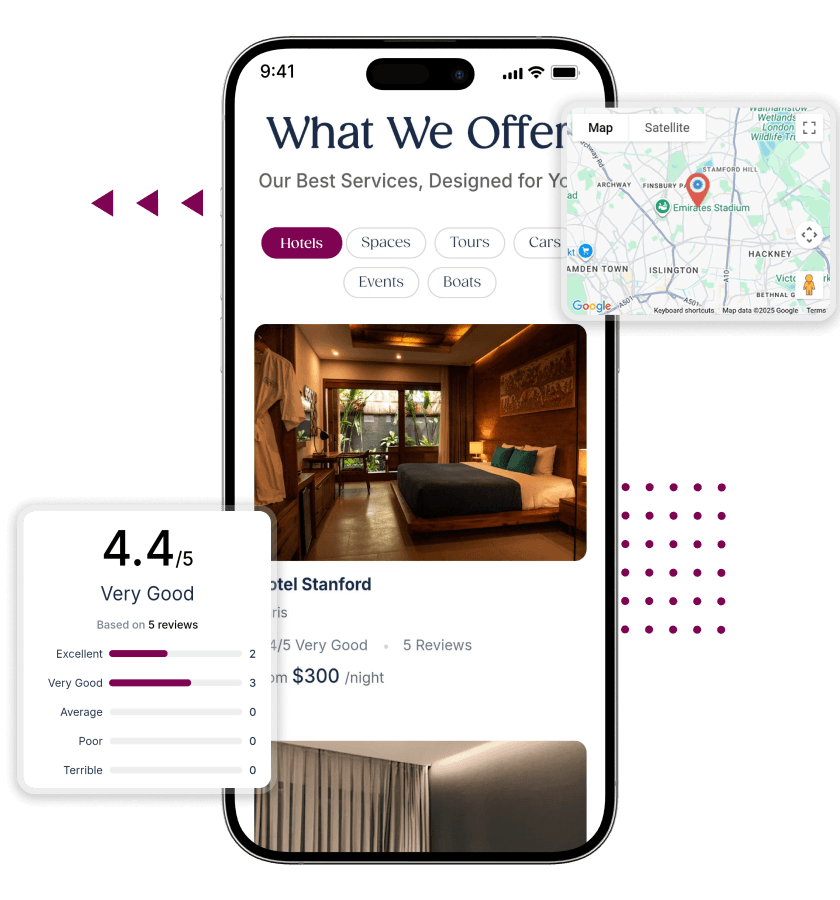
For Hosts
-
Host Registration
Property owners register through a dedicated host signup flow, separate from the standard guest account. -
Host Dashboard
Active listings, incoming requests, reservation history, and earnings are all managed from one dashboard. -
Booking Request Management
Hosts review and accept or decline incoming booking requests directly from their dashboard. -
Host Reservation Tracking
All reservations - confirmed, pending, and past - are tracked with guest details and payment status. -
Listing Creation and Publishing
Hosts create listings and publish them live. Drafts can be saved and listings taken offline anytime. -
Listing Availability Management
Hosts update their availability calendar to open or block specific dates at any time.
-
Property Image Gallery Upload
Hosts upload photos directly to each listing to give guests a clear visual before booking. -
Property Description Management
Hosts write and edit descriptions covering amenities, house rules, and nearby attractions. -
Property Location Management
Hosts pin their property on a map for location search discovery and guest navigation on arrival. -
Listing Pricing Configuration
Hosts set nightly or daily rates per listing. Pricing updates immediately on new bookings.
- Getting Started and Dashboard
-
-
Host Registration
Property owners register through a dedicated host signup flow, separate from the standard guest account. -
Host Dashboard
Active listings, incoming requests, reservation history, and earnings are all managed from one dashboard. -
Booking Request Management
Hosts review and accept or decline incoming booking requests directly from their dashboard. -
Host Reservation Tracking
All reservations - confirmed, pending, and past - are tracked with guest details and payment status. -
Listing Creation and Publishing
Hosts create listings and publish them live. Drafts can be saved and listings taken offline anytime. -
Listing Availability Management
Hosts update their availability calendar to open or block specific dates at any time.
-
- Managing Listings
-
-
Property Image Gallery Upload
Hosts upload photos directly to each listing to give guests a clear visual before booking. -
Property Description Management
Hosts write and edit descriptions covering amenities, house rules, and nearby attractions. -
Property Location Management
Hosts pin their property on a map for location search discovery and guest navigation on arrival. -
Listing Pricing Configuration
Hosts set nightly or daily rates per listing. Pricing updates immediately on new bookings.
-
For Admin
-
Admin Dashboard
A single dashboard gives full visibility into listings, bookings, users, host activity, and revenue. -
Platform Configuration Settings
Booking rules, commission logic, and display settings are configured from the admin panel without code changes. -
Category Management
Property categories used for browsing are created, renamed, and managed by the admin. -
Location Management
Geographic regions and areas appearing in search are configured and maintained at the admin level. -
Google reCAPTCHA Protection
Built-in reCAPTCHA protects registration, login, and booking forms from automated bot abuse. -
Cookie Consent System
A cookie consent prompt is shown to users on their first visit and managed from the admin settings. -
System Notification Handling
Automated notifications for booking requests, confirmations, and cancellations are sent without manual admin action.
-
User Management
All guest accounts are visible from the admin panel and can be reviewed, suspended, or modified. -
Host Management
Host accounts and listings are manageable from the admin. New registrations can be approved before going live.
-
Listing Management
Admins can review, approve, edit, suspend, or remove any listing on the platform at any time. -
Booking Management
Every booking is visible to the admin and can be tracked, updated, or managed from the central panel.
-
Commission Configuration
Admins set a percentage or flat-rate commission per booking, calculated automatically on every transaction. -
Payment Configuration
Stripe, PayPal, and Razorpay are configured from the admin panel. Gateways are activated per market. -
Payment Handling for Reservations
All booking payments are processed through configured gateways and tracked per reservation. -
Transaction Tracking
Every financial transaction is logged and viewable in the admin panel, filterable by date or host. -
Host Earnings Monitoring
Admins view each host's earnings, pending payouts, and transaction history from the admin panel. -
Admin Visibility of Transactions
The admin sees gross revenue, platform commission, and net host earnings across all transactions.
- Platform Control and Configuration
-
-
Admin Dashboard
A single dashboard gives full visibility into listings, bookings, users, host activity, and revenue. -
Platform Configuration Settings
Booking rules, commission logic, and display settings are configured from the admin panel without code changes. -
Category Management
Property categories used for browsing are created, renamed, and managed by the admin. -
Location Management
Geographic regions and areas appearing in search are configured and maintained at the admin level. -
Google reCAPTCHA Protection
Built-in reCAPTCHA protects registration, login, and booking forms from automated bot abuse. -
Cookie Consent System
A cookie consent prompt is shown to users on their first visit and managed from the admin settings. -
System Notification Handling
Automated notifications for booking requests, confirmations, and cancellations are sent without manual admin action.
-
- User and Host Management
-
-
User Management
All guest accounts are visible from the admin panel and can be reviewed, suspended, or modified. -
Host Management
Host accounts and listings are manageable from the admin. New registrations can be approved before going live.
-
- Listing and Booking Oversight
-
-
Listing Management
Admins can review, approve, edit, suspend, or remove any listing on the platform at any time. -
Booking Management
Every booking is visible to the admin and can be tracked, updated, or managed from the central panel.
-
- Payments and Platform Monetization
-
-
Commission Configuration
Admins set a percentage or flat-rate commission per booking, calculated automatically on every transaction. -
Payment Configuration
Stripe, PayPal, and Razorpay are configured from the admin panel. Gateways are activated per market. -
Payment Handling for Reservations
All booking payments are processed through configured gateways and tracked per reservation. -
Transaction Tracking
Every financial transaction is logged and viewable in the admin panel, filterable by date or host. -
Host Earnings Monitoring
Admins view each host's earnings, pending payouts, and transaction history from the admin panel. -
Admin Visibility of Transactions
The admin sees gross revenue, platform commission, and net host earnings across all transactions.
-
Add-Ons Available for the Platform
These are optional capabilities available as additions to any package, delivered by the same team that built your platform.
- Multi-Currency Support
Allow users to view prices and make payments in different currencies, improving global accessibility and increasing conversions across international markets.
- Subscription Plans for Hosts
Enable hosts to subscribe to monthly or yearly plans, unlocking access, premium features, and predictable recurring revenue for your business.
- Featured Listings & Ad Placements
Let hosts promote their properties through featured placements, increasing visibility in search results and helping them attract more bookings faster.
Vendor Verification & KYC Module
Verify host identities using KYC processes to improve trust, reduce fraud, and ensure legitimate property owners operate on your platform.
Loyalty Programs & Discount Engine
Reward with discounts, referral bonuses, and loyalty points to increase retention, encourage repeat bookings, and strengthen long-term engagement on the platform.
- In-App Chat & Messaging System
Enable real-time communication between guests and hosts, helping resolve queries, build trust, and improve booking conversion rates across your platform.
- Multi-Payment Gateway
Integrate multiple payment gateways to support payment methods, ensuring seamless transactions, higher success rates, and flexibility for users across regions.
- GDPR Compliance Pack
Ensure the platform fully complies with protection regulations by adding consent management, handling controls, and privacy features required for European users.
Also, Explore Our AI Add-Ons
These are optional capabilities available as additions to any package, delivered by the same team that built your platform.
AI Smart Matching Engine
AI Booking Conversion Booster
AI Auto-Reply for Hosts
AI Demand Heatmaps & Opportunity Insights
AI Content Optimizer for Listings
AI Trust Score for Listings & Hosts
Types of Rental Platforms You Can Build with This Solution
This platform is flexible enough to support different rental models. You can focus on a specific niche or combine multiple categories within one marketplace.

Short-Term Vacation Rentals

Long-Term Rentals

Luxury & Premium Stays

Workcation & Remote Stay Rentals

Niche Property Rentals

Regional or City-Based Platforms
Pricing and Package Options
Our white label vacation rental app follows a transparent, modular pricing model. Three packages are available depending on where your business is in its development. All packages include the full standard feature set, client-server deployment, free installation, SSL installation, mobile app submission support, and email support.
OyeStart - $999
OyePro - $1,999
OyeElite - $4,999
Available On

Web

Android

iOS
Case Study
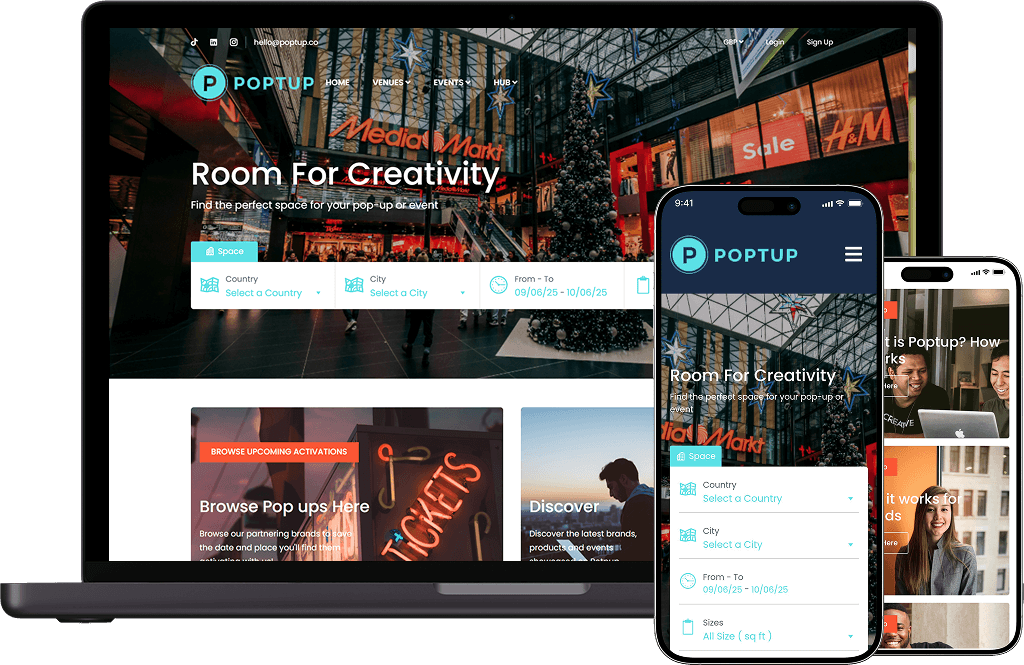
POPTUP -

United Kingdom
From Concept to Live Vacation Rental Platform in Days
From launch to traction, PopTup’s success showcases what’s possible with a customizable, reliable rental marketplace foundation.
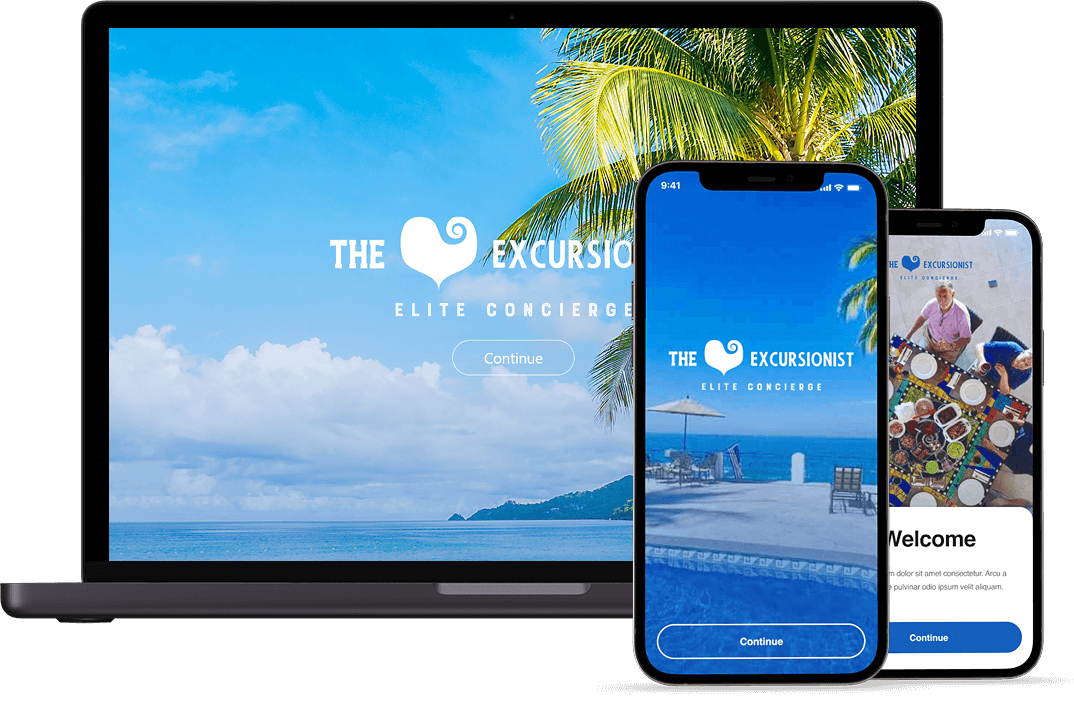
The Excursionist -

United States
From Vision to a Scalable Excursion Booking Marketplace in Days
From idea to execution, The Excursionist highlights the power of Oyelabs’ flexible platform, enabling the launch of a tailored travel experience marketplace with smooth scalability and a fast go-to-market.
What Our Clients Say

Fatima Al-Mansoori, Founder
"We wanted to build a short-term rental platform for a specific regional market that the major platforms were ignoring. The white label vacation rental platform gave us the marketplace infrastructure we needed - host onboarding, listing management, booking workflows, commission control - without us having to build any of it from scratch. "

David Osei, CEO
"The admin panel was what made this viable for us as a non-technical founding team. We can approve host listings, configure commission, manage users, and track all platform revenue without touching the code. The platform genuinely runs operationally without a developer in the loop for day-to-day management."

Lena Fischer, Co-Founder
"We went with the OyeElite package because we were planning to run two separate branded platforms targeting different accommodation categories. The multi-domain licence and the second deployment environment for staging saved us from having to buy two separate products. The brand identity kit was a practical bonus we used immediately."
People Love Us! Let’s Hear What they Say



Technology Stack
The platform is built on a robust, industry-standard technology stack designed for performance, scalability, and security across web and mobile platforms.
How the Platform Works
Our white label vacation rental app operates as a three-sided marketplace. Here is how each party experiences the platform and how the system connects them.

Step 1: Hosts List Their Property

Step 2: Guests Discover and Request Bookings

Step 3: Host Confirms the Booking

Step 4: Payment and Commission Handling

Step 5: Stay Completion and Record Tracking

Step 6: Reviews and Admin Oversight
How We Deliver Your Platform

Requirement Gathering

White-Labelling and Branding

Platform Configuration

Testing

Deployment and Handover

Post-Launch Support
What Makes Our White Label Vacation Rental App the Right Foundation

Three-Sided Marketplace From Day One

Full Source Code, No Strings

Scalable Infrastructure Compatibility

Expandable as You Grow
The Vacation Rental Market
The global vacation rental market continues to grow steadily, driven by shifting traveler preferences toward private stays and flexible accommodations. The market is projected to exceed $100 billion in revenue globally, with consistent year-on-year growth.
Demand is no longer limited to mainstream platforms. Niche markets, regional audiences, and specific property types remain underserved, creating strong opportunities for focused rental marketplaces.
The biggest barrier is not demand, but infrastructure. Building a booking platform from scratch is time-intensive and costly. This is where a ready-built white-label solution accelerates your entry, allowing you to focus on market capture, not development.

Why Choose Oyelabs
- Expert Support: Our team supports you through the full delivery process and into post-launch operations, resolving issues and answering configuration questions as they arise in real use.
- Full Source Code Ownership: The complete codebase is yours at handover – no recurring fees, no platform charges, no dependency on Oyelabs to keep your marketplace running.
- Transparent Pricing: Three clearly defined packages with no hidden scope. If your requirements need custom development beyond the base product, we scope and price it separately before any work begins.
- Proven Delivery Process: The platform has been delivered across multiple rental marketplace projects. The configuration and deployment process is structured and repeatable – not improvised for each client.
- Post-Launch Support That Knows the Product: The team that supports you after launch built the platform. When something needs fixing, you are not explaining your system to someone who has never seen it.
- Strict Confidentiality: Your business concept, market strategy, host relationships, and platform data remain protected. We do not share client information or project details with other parties.
Life at Oyelabs
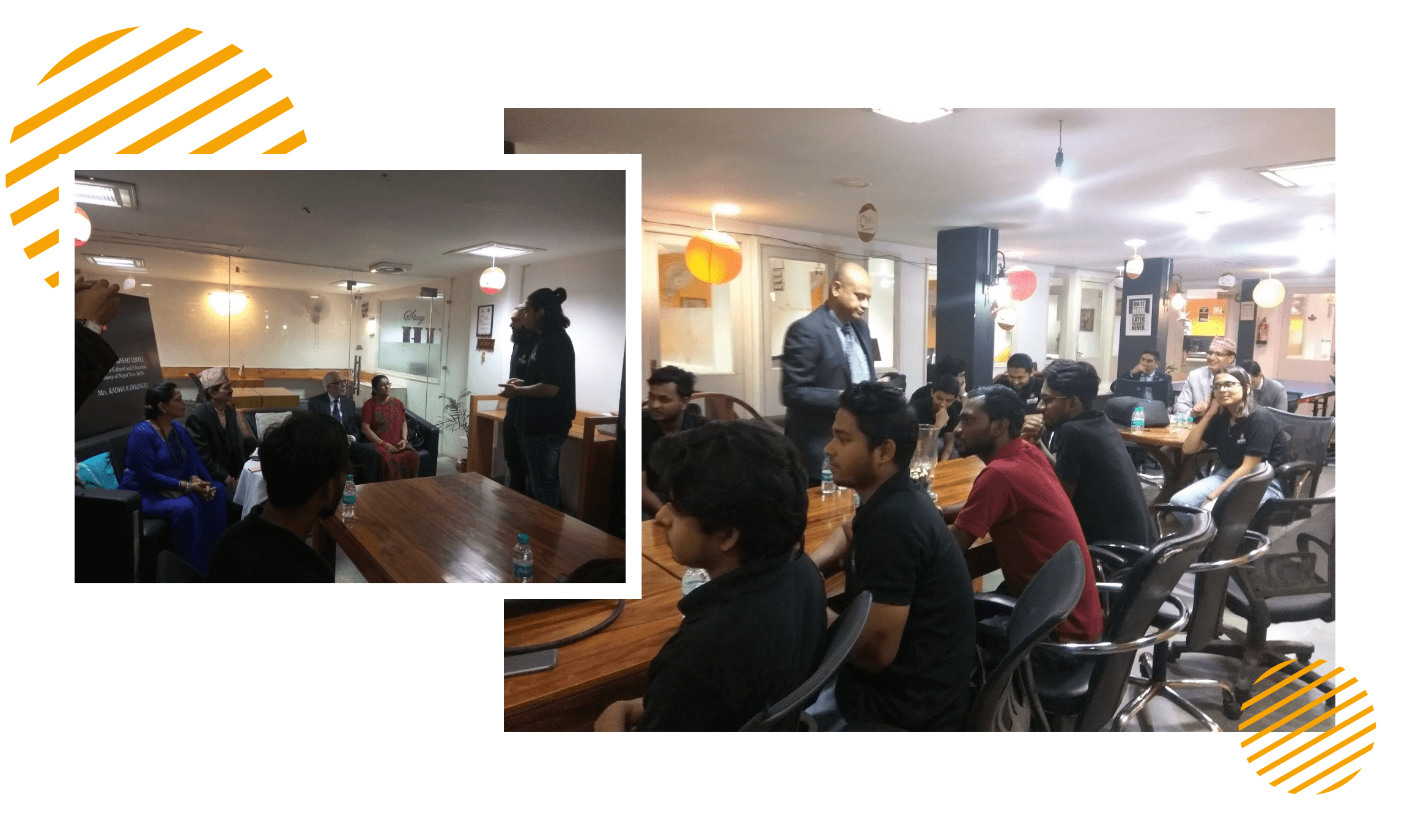
At Oyelabs, we focus on creating innovative and impactful solutions. Our team is diverse, passionate, and driven by a shared commitment to excellence. We work collaboratively, supporting each other to achieve our goals and grow both personally and professionally. Our culture encourages creativity and learning, making Oyelabs a place where ideas thrive. We believe in maintaining a healthy work-life balance, ensuring everyone feels valued and motivated.
- Healthy Work-Life Balance
- Encourage Creativity and Learning
- Commitment to Excellence
- Career Growth Opportunities
- Continuous Learning and Development
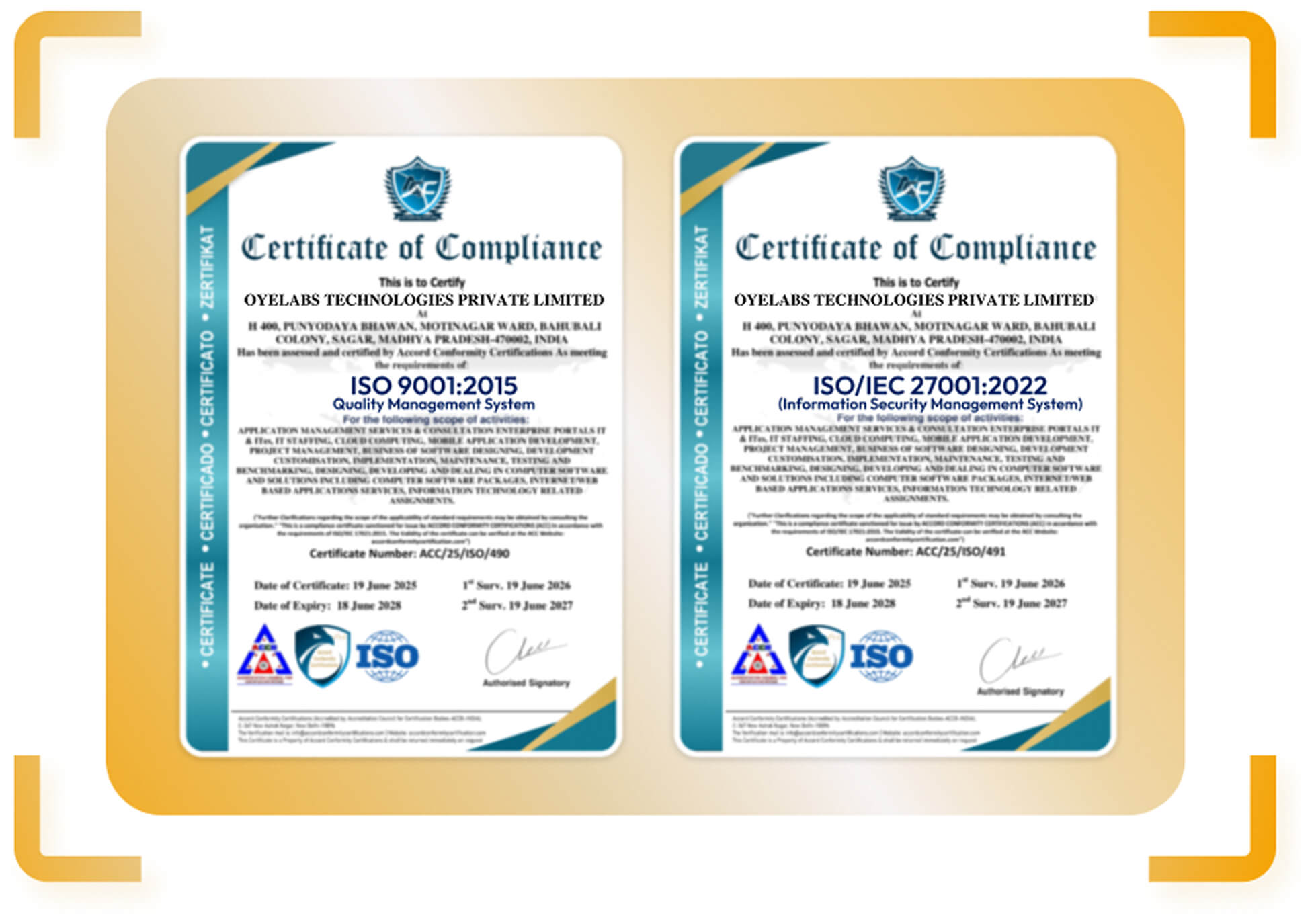
ISO Certified – OyeLabs
OyeLabs is an ISO Certified company driven by a commitment to quality, performance, and security. Our development processes align with international standards to deliver dependable and future-ready digital solutions.
Making a Difference Beyond Business.
As a people-centric organization, our success is intervened with the well being and growth of the Individuals we collaborate with. We thrive when our partners associates flourishes.



Other Exciting Solutions
Explore Oyelabs’ Ready-Made Solutions for Effortless Launch of Your Dream Business.
Oyelabs presents a suite of ready-made solutions designed for seamless work across diverse industries. Our user-friendly products ensure efficiency and ease, making your tasks hassle-free.
Unleash Your Business’s True Potential,
With Our White Label Vacation Rental App- Starting at $2199 $999
Product Update History
V 4.6.1 (New)
- Introduced an option to offer discounts based on the number of nights/days booked
- Refined the cloning functionality for flight bookings
- Updated integration with Re-captcha 3
- Added “Surrounding” option for Tours
- Added Multi-language support for Page Templates
- Improved arrangement options for Hotel-related features
- Optimized Tour calculation process
- Refined the Booking success page layout
[Bug Fixes]
- Hid mobile settings as required
- Resolved Twilio integration issue
- Fixed Gallery display issue for News section
- Addressed code-related issues in the vendor folder
V 4.6.0
- Introduced a Mega menu style for improved navigation
- Added the ability for vendors to create and manage Coupons through the new Coupon manager
[Bug Fixes]
- Fixed issue with Hotel attribute Position Order
- Updated re-captcha functionality for User plan checkout process
- Resolved field location issue in the search form
- Fixed issues related to attributes and terms in filter form
V 4.5.1
- Removed unused code to improve performance
V 4.5.0
- Updated Live chat feature
- Added an option for sticky menu to remain at the top
- Improved “Clone” functionality for the Hotel module
- Optimized Tour creation process
- Enhanced Statistics dashboard
- Refined the filter tool for User Plan management
- Enhanced the Userplan module
- Resolved the flight booking issues
- Fixed the category search issue in Tour bookings
- Replaced TermID with term name in the Listing by Term
- Enhanced the Filter tool in the Booking Report